Adding services from the catalogue
Pull your menu from a ready-made catalogue instead of typing every service by hand.
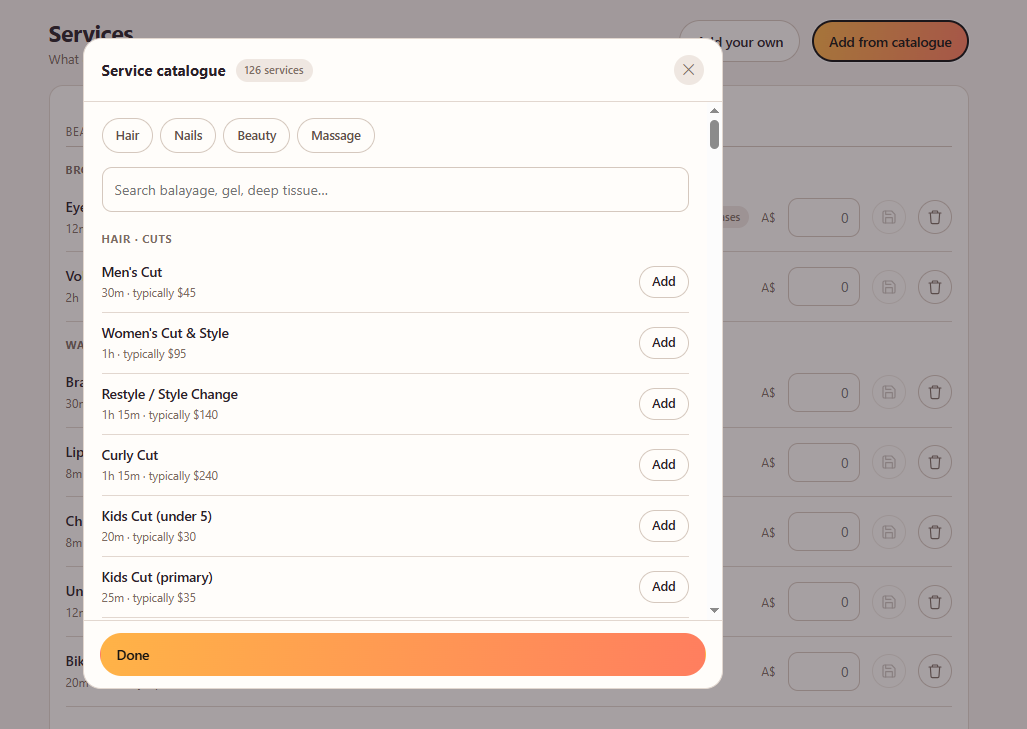
The fastest way to build your menu is to pull from the catalogue. It carries sensible durations and a suggested price for each service, which you can change to your own.
- 1Open Services from the menu.
- 2Open the catalogue.
- 3Tick the services you offer, and adjust the price on each.
Good to know. Each service you add keeps its catalogue group, so your menu is organised into categories automatically.
Still need help?
Raise a support request from the Help and support screen inside the app. It reaches us with your business already attached, so we can help straight away.