Speaking other languages, and turning it off
Let the receptionist reply in a caller's own language, or keep it to one language.
The Speak other languages toggle decides whether the receptionist may reply in a caller's own language. When it is on, you can also choose a native voice for each language. When it is off, the receptionist stays in your main language on every call, even if other languages are still listed in your business details.
Good to know. Turning it off keeps your language list, so you can turn it back on later without setting them up again.
Still need help?
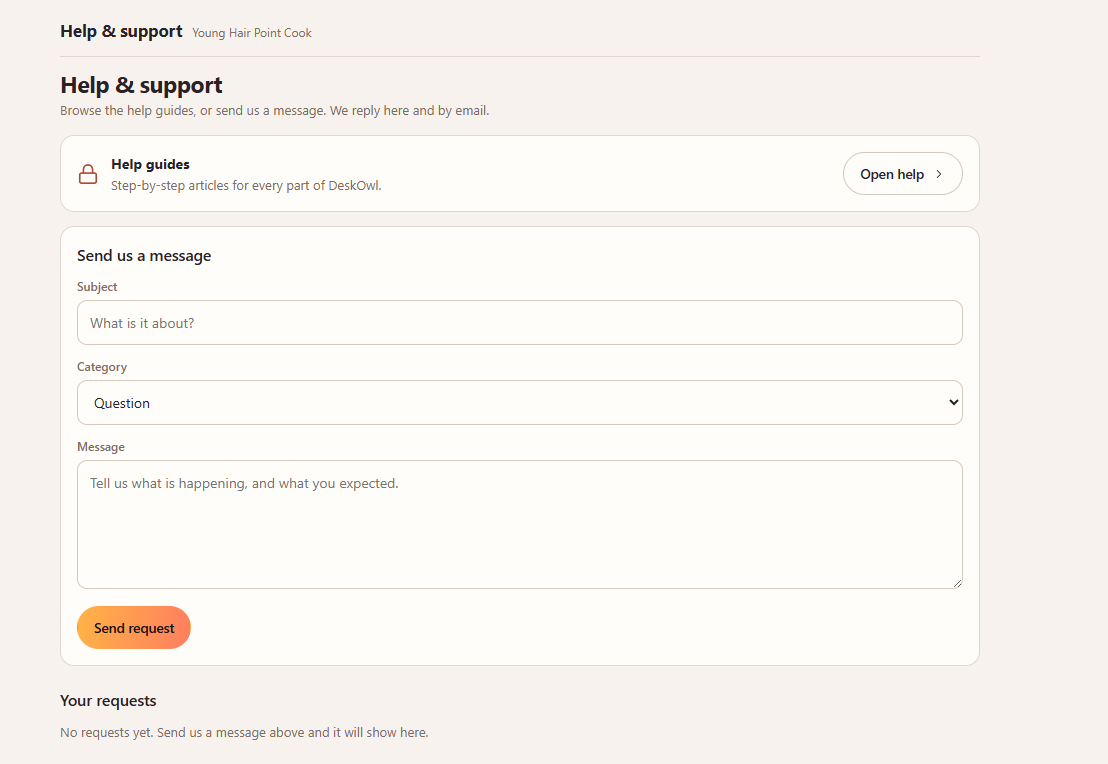
Raise a support request from the Help and support screen inside the app. It reaches us with your business already attached, so we can help straight away.